Available
Motion Transfer
Genjutsu
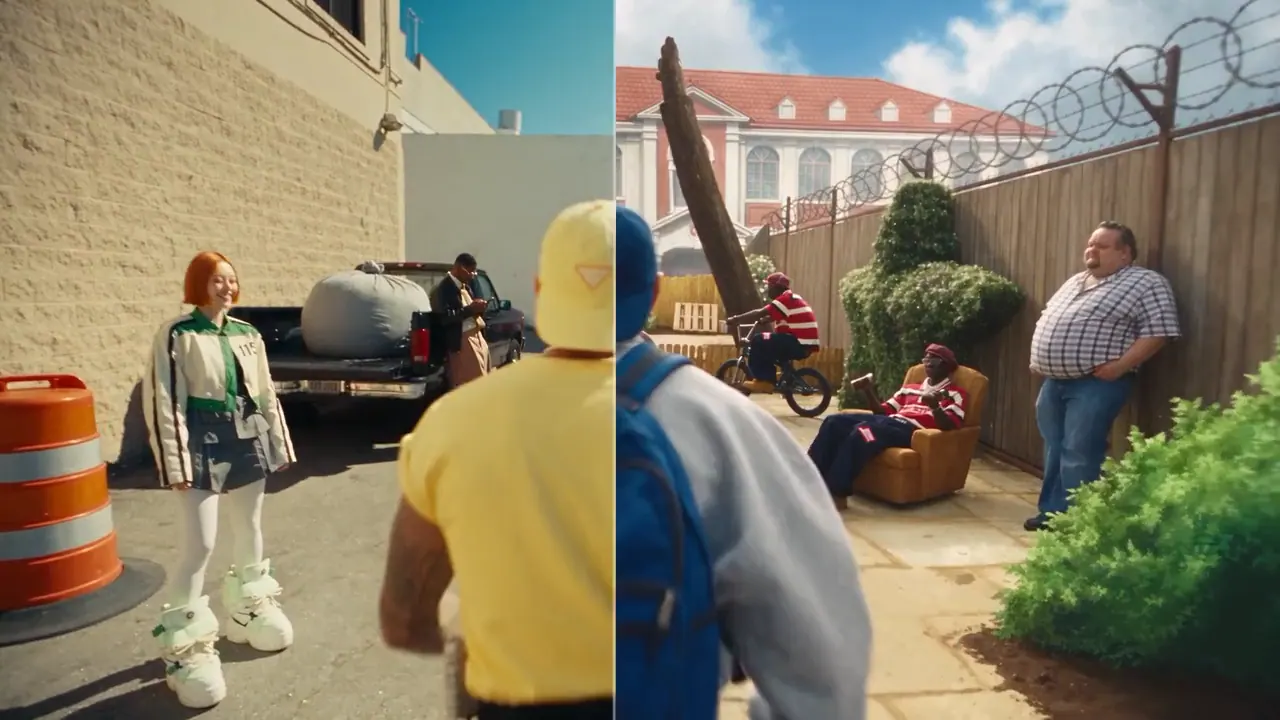
Transfer the motion of any video onto your own character or reference image.
- Motion Transfer
Higgsfield
AI creative studio
Generate AI videos, images, product ads and social content from one creative studio. Pick a workflow, upload your media, and see the cost before you create.
Demo previews — more EVEXCA Studio examples coming soon
What you can create
From motion-driven video to product campaigns — explore what EVEXCA Studio is built for.

Motion Transfer
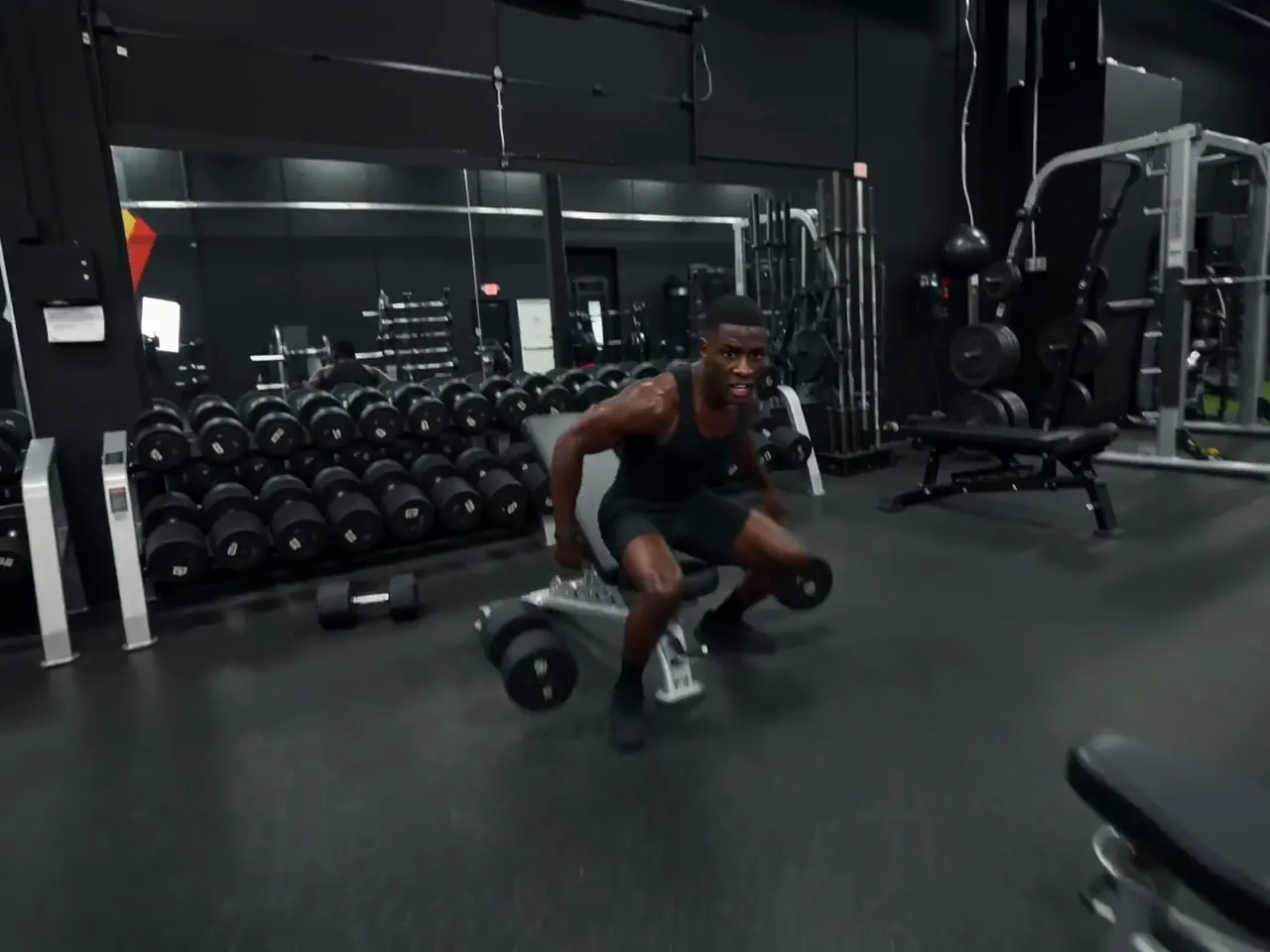
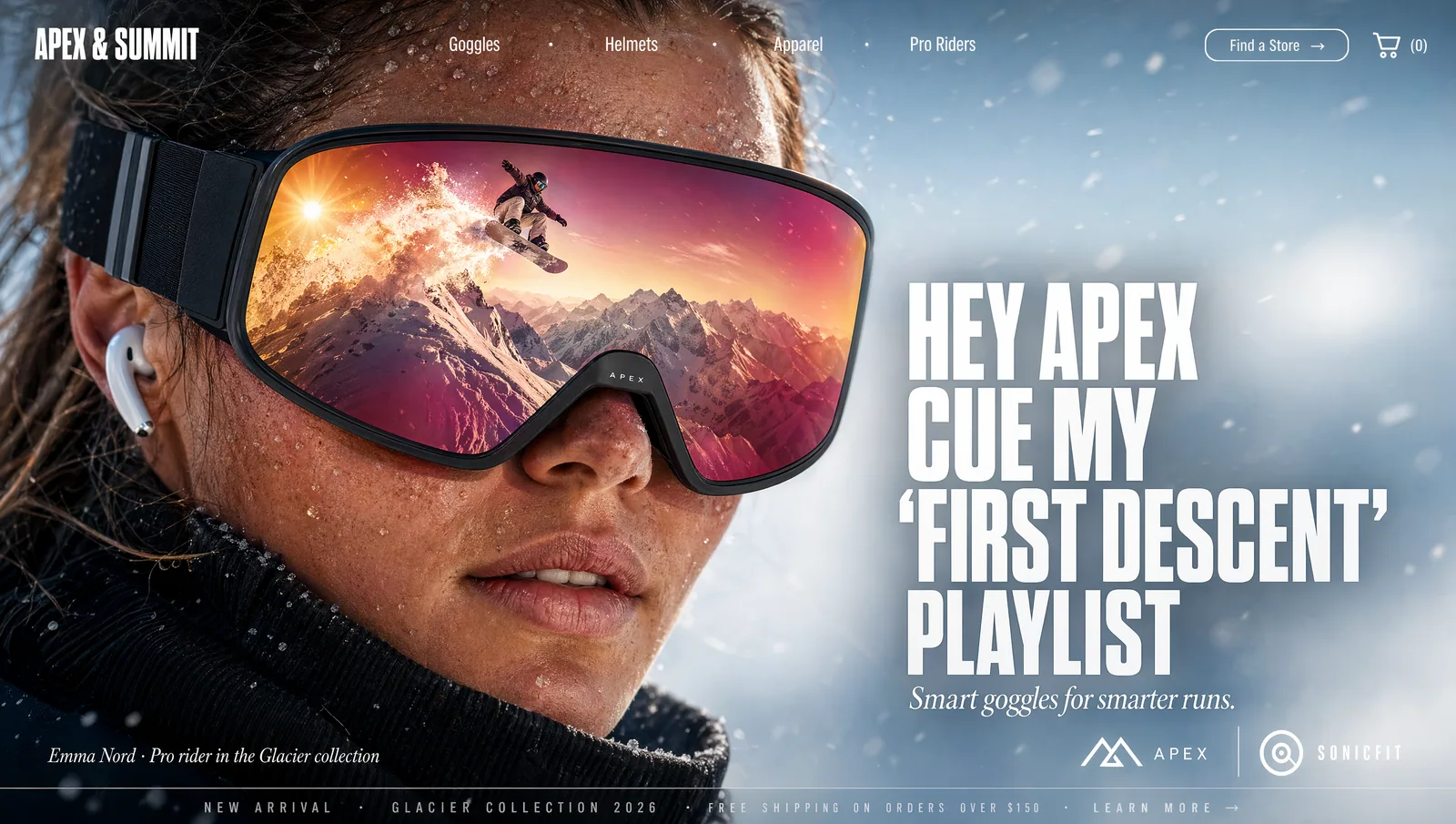
Upload a motion video and a character or reference image. EVEXCA Studio transfers the performance onto your character and returns a brand-new video.
Text to Video
Describe a scene, a camera move and a mood. Watch the prompt become a finished clip.
Image to Video
Start from a still — a photo, a render, a design — and add cinematic movement.
AI UGC
Combine your product, an AI creator and a script to produce creator-style video ads in minutes.
Coming soon — UGC Ad
Product Ads
Upload your product photography and generate polished ad creative in the formats your channels need.
AI Images
Generate images from a prompt or references, then carry them straight into video.
Models
One studio, many engines. We add new models as they are tested and ready — and always show what is live and what is on the way.
Motion Transfer
Transfer the motion of any video onto your own character or reference image.
Higgsfield
Object Swap
Replace an object in a video with another, keeping the original motion.
Higgsfield
Text / Image to Video
Cinematic video generation from text or a starting image.
ByteDance
Video Generation
High-fidelity video generation from text or a starting image.
Kuaishou
Video Generation
Video generation with strong, natural motion.
Alibaba

AI Images
Campaign-ready images and product ads: describe an image, or turn a product photo into an ad with a style you choose.
Higgsfield
How it works
Pick video, image, ad or motion workflows.
Upload your media, choose a model and configure the generation.
See the credit price before generating, then create your content.
You always see the cost before you generate.
Credits
No confusing provider pricing. Your credits work across supported image and video models, and you always know the price before you press generate.
Example · cost panel
The real numbers appear in the Studio and update as you change resolution or settings.
Pricing
Every plan includes the full studio. Choose how many credits you need each month.
$24.99/ month
2,000 credits
For trying ideas and creating regularly.
$49.99/ month
5,000 credits
For creators and teams shipping every week.
$99.99/ month
12,000 credits
For high-volume campaigns and agencies.
Generation costs vary by model and settings. The exact price is always shown before you generate.
Examples
A look at the formats EVEXCA Studio is built for. Workflows marked COMING SOON can't be created yet.

FAQ
EVEXCA Studio is a creative studio for AI video, images, product ads and social content. Pick a workflow, upload your media, and create from one place.
You have one credit balance that works across the supported tools. Different models and settings use different amounts of credits. Your monthly credits replenish each billing cycle.
It depends on the model, resolution and video length. There is no single price — the exact cost is shown in the Studio before you generate.
No. Credits replenish each billing cycle and rollover is not planned for the launch version.
Yes, always. The Studio shows the cost, your current balance and your balance after generation, and updates as you change settings.
Available now: Genjutsu (Motion Transfer), Genjutsu Object Swap (Object Swap), Seedance 2.5 (Text / Image to Video), Kling 3 (Video Generation), Wan 3 (Video Generation), Marketing Studio Image (AI Images). More models are coming soon — see the Models page for what is on the way.
Yes. Finished creations appear in My Creations, where you can play, download and reuse their settings.
If a generation fails or cannot be completed, the credits reserved for it are returned to your balance automatically, and the refund appears in your credit history.
Yes, any time from the Billing page in your account. Cancellation takes effect at the end of the period you have already paid for, and you keep your access and remaining credits until then.
Open the studio, pick a workflow and see your price before you generate.
Start creating